

Have you ever pulled a freshly printed sheet of paper from your printer, only to find it crinkled, warped, or with strange, patchy dry spots? It's a frustrating experience, especially when you're aiming for professional-looking results. Frankly speaking, uneven paper drying is a common culprit behind these print quality nightmares. It’s not just about aesthetics; it can affect the longevity of your prints and the performance of your printing equipment. But what exactly causes this phenomenon? Let's dive deep into the various factors that contribute to uneven paper drying.
The Crucial Role of Humidity and Environmental Factors
One of the most significant, yet often overlooked, causes of uneven paper drying is the surrounding environment. Paper is a hygroscopic material, meaning it readily absorbs moisture from the air. The relative humidity in your printing area plays a pivotal role. If the humidity is too high, the paper will absorb excess moisture, leading to swelling. When this moisture then evaporates unevenly during or after printing, it causes the paper fibers to contract at different rates, resulting in warping and curling. Conversely, extremely low humidity can make the paper brittle and prone to static, which can also contribute to drying inconsistencies.
It's worth noting that temperature also plays a part. Warmer temperatures can accelerate the evaporation process, but if this evaporation isn't uniform across the sheet, you'll see those dreaded drying marks. Think about it: if one side of the paper is exposed to more airflow or heat than the other, the moisture will leave that side faster. This is a key reason why many professional printing environments have strict climate control systems.
Specific Environmental Issues to Watch For:
- High Relative Humidity: Leading to paper swelling and subsequent uneven contraction.
- Low Relative Humidity: Causing brittleness and potential static cling.
- Temperature Fluctuations: Rapid changes can stress the paper fibers.
- Drafts and Airflow: Uneven exposure to air currents can dry one area faster than another.
In my experience, simply storing paper in a damp basement or a dry, arid room can set you up for printing problems before you even load the paper into the machine. Proper storage is paramount. Keeping paper in its original, sealed packaging until you're ready to use it, and in a climate-controlled space, is a simple yet highly effective preventative measure.
Ink Properties and Application Techniques
The type of ink you use and how it's applied are also critical factors in achieving even paper drying. Different inks have varying drying times and compositions. Water-based inks, for instance, will naturally take longer to evaporate than solvent-based or UV-curable inks. If an ink doesn't dry quickly and uniformly, the paper can become saturated in certain areas, leading to buckling or cockling.
The amount of ink laid down is another crucial element. Over-inking, where too much ink is applied to the paper surface, can overwhelm the paper's ability to absorb and dry it evenly. This is particularly true for certain types of paper that have a limited ink-holding capacity. The ink essentially sits on the surface, and as it dries, it pulls the paper fibers in an irregular manner. This is one of the common causes of uneven paper drying that many users might not immediately consider.
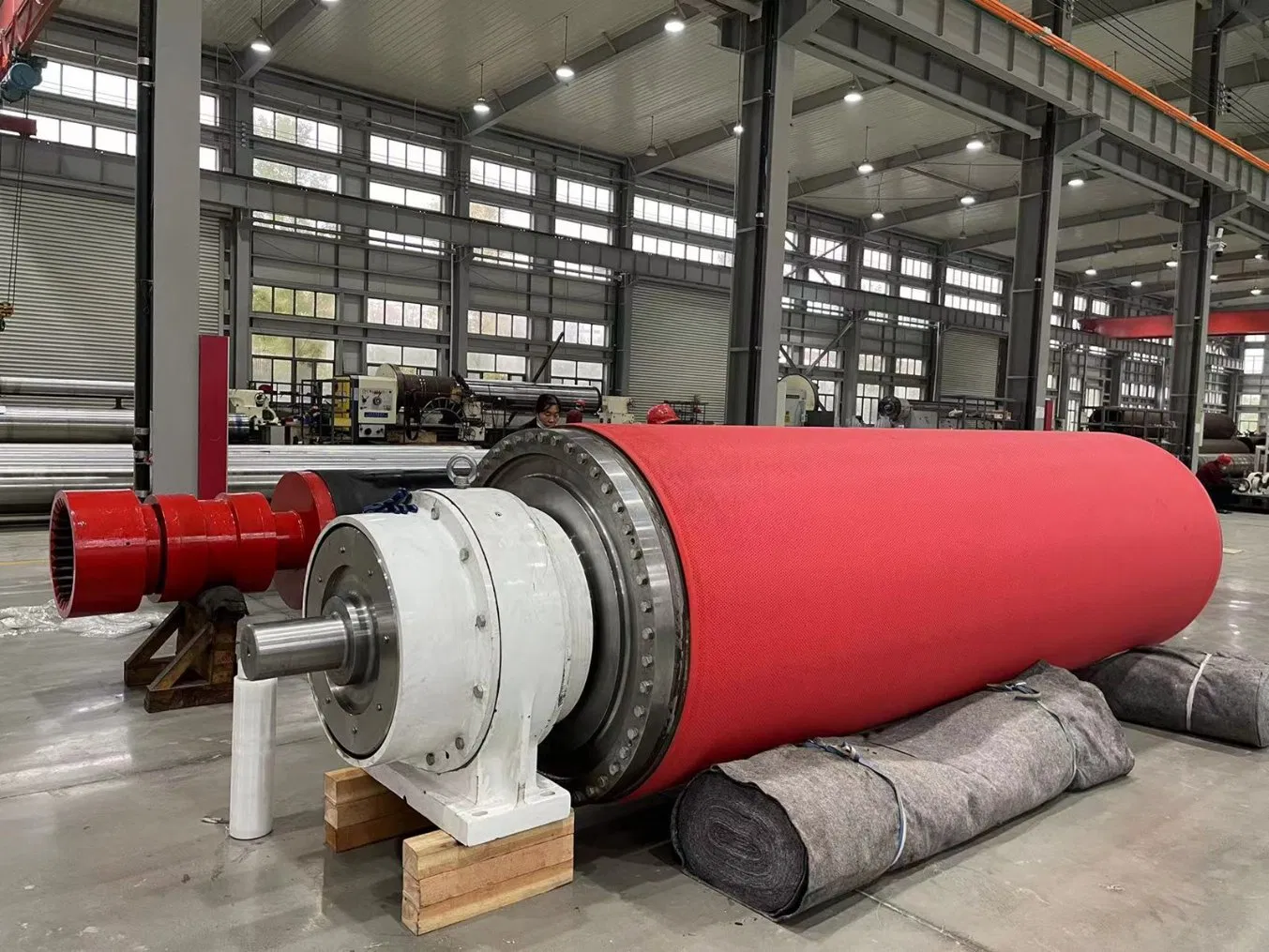
Furthermore, the printing technology itself can influence drying. For example, inkjet printers deposit ink in tiny droplets. If the print head is malfunctioning or the ink flow is inconsistent, you can end up with areas that receive more ink than others, leading to uneven drying. Similarly, in offset printing, the balance of ink and water is critical. An imbalance can lead to ink pooling or uneven absorption, directly impacting drying.
Ink-Related Considerations:
- Ink Type: Water-based, solvent-based, UV-curable inks have different drying characteristics.
- Ink Saturation: Applying too much ink can saturate the paper.
- Ink Viscosity: The thickness of the ink affects how it spreads and dries.
- Ink Quality: Poor quality inks may contain additives that hinder even drying.
Interestinly enough, even the color of the ink can play a subtle role. Darker inks, especially those with high pigment loads, tend to hold more moisture and can take longer to dry, potentially exacerbating uneven drying issues.
Paper Type and Its Interaction with Ink and Environment
The very nature of the paper itself is a fundamental factor in how it dries. Not all papers are created equal when it comes to absorbing and releasing moisture. Coated papers, for example, have a surface layer that restricts ink penetration. This means the ink sits more on the surface, and its drying process is primarily through evaporation from that surface. If the coating isn't uniform or if the paper's base stock has varying densities, you can get uneven drying.
Uncoated papers, on the other hand, absorb ink more readily. The way the fibers are structured, their density, and their sizing (a treatment to control absorbency) all influence how quickly and evenly ink is absorbed and subsequently dries. A paper with a very high absorbency might wick ink too quickly into its structure, leading to a different kind of unevenness.
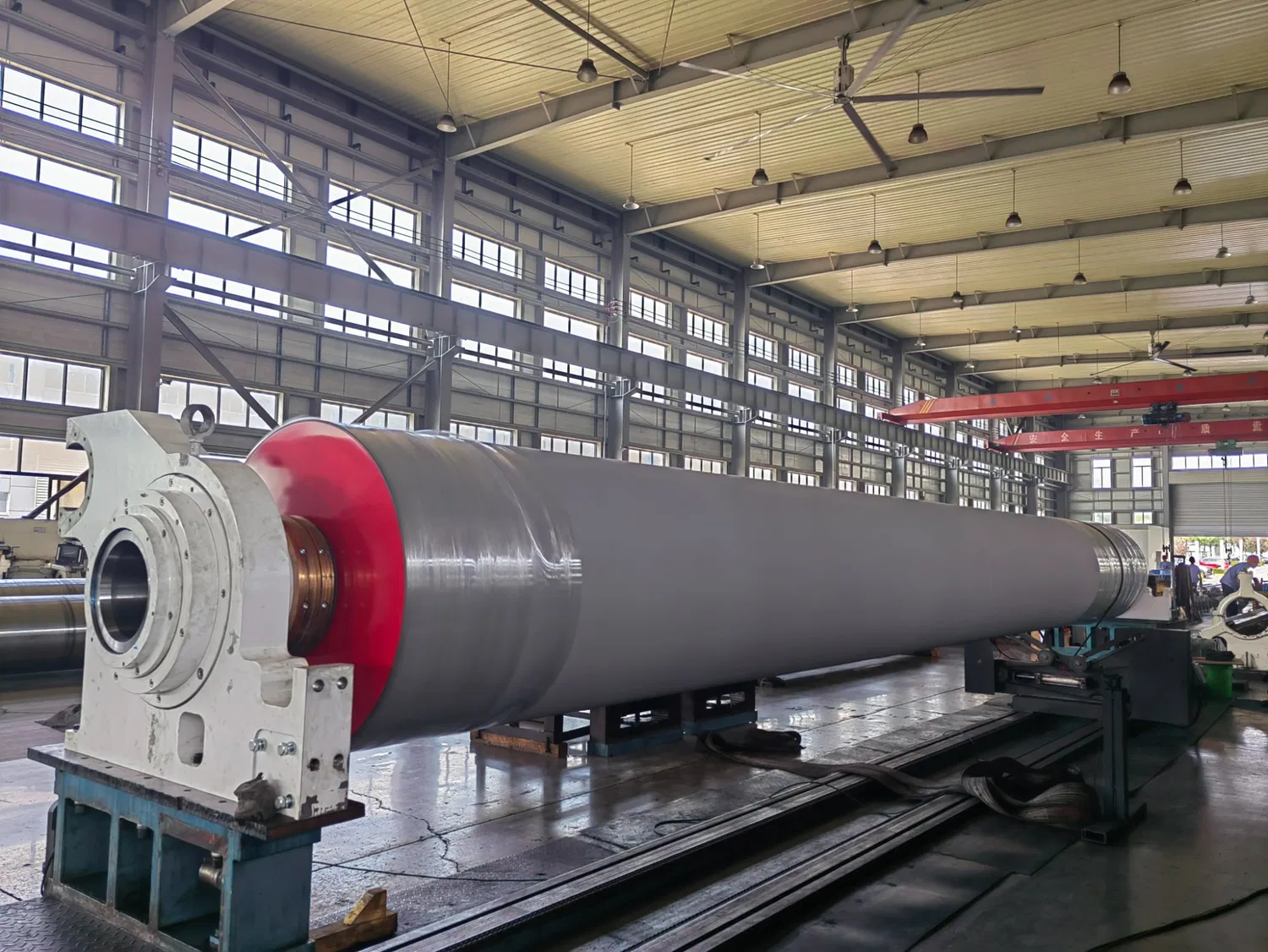
The weight and thickness of the paper also matter. Thicker papers can hold more ink and moisture, and their denser structure might mean slower drying times. If you're printing on a very heavy cardstock with a high ink coverage, you're more likely to encounter drying challenges compared to a lightweight text paper.
Paper Characteristics Affecting Drying:
- Coating: The presence and uniformity of paper coatings.
- Fiber Structure: Density, porosity, and orientation of paper fibers.
- Sizing: The chemical treatment that controls ink and water absorption.
- Paper Weight/Caliper: Thickness and density of the paper.
- Paper Grain: The direction of the paper fibers, which can influence how it absorbs and dries.
Many experts agree that selecting the right paper for your specific printing process and ink type is half the battle. Trying to use a paper that's not designed for heavy ink coverage or high moisture content is a recipe for disaster. Understanding the paper's specifications is key to avoiding common causes of uneven paper drying.
Printer Settings and Mechanical Factors
Beyond environmental and material factors, the settings on your printer and the mechanical condition of the printer itself can contribute to uneven paper drying. Print settings, such as ink density, print resolution, and the paper type selected in the driver, all influence how ink is applied and how the printer handles the paper. If the paper type setting doesn't match the actual paper being used, the printer might apply too much or too little ink, or dry it incorrectly.
Mechanical issues can also be a hidden cause. For example, if the paper feed rollers are worn or dirty, they might not move the paper through the printer at a consistent speed. This inconsistent movement can lead to variations in ink application or drying time as the paper passes through different stages of the printing process. In some printers, the fuser unit (in laser printers) or the drying mechanisms (in some inkjet models) might not be functioning optimally, leading to uneven heat application or airflow.
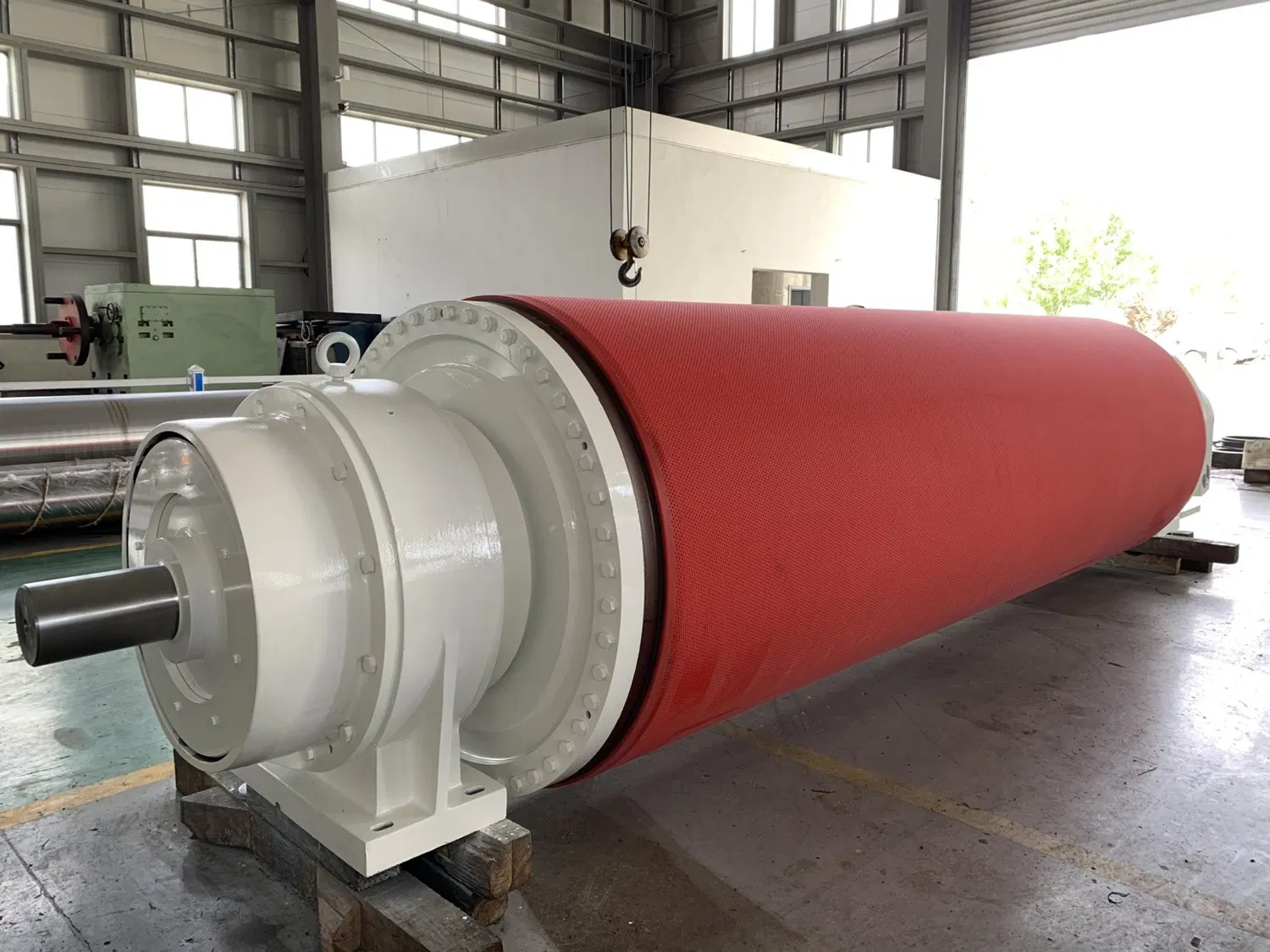
It's also worth considering the printer's internal temperature and humidity, if it has any such controls. Some high-end professional printers have sophisticated systems to manage these factors internally to ensure consistent output. For home or office users, however, the external environment is usually the primary concern.
Printer-Related Issues:
- Incorrect Paper Type Setting: Mismatch between driver setting and actual paper.
- Ink Density/Quality Settings: Over-applying ink through aggressive settings.
- Print Head Calibration (Inkjet): Misaligned or clogged nozzles.
- Paper Path Consistency: Worn or dirty rollers affecting paper movement.
- Fuser/Drying Unit Malfunction (Laser/Some Inkjet): Uneven heat or airflow.
To be honest, troubleshooting printer settings can be a bit of a puzzle. Sometimes, simply resetting the printer to factory defaults and re-selecting the correct paper type can resolve subtle issues that were contributing to uneven drying. Regular maintenance, like cleaning print heads or rollers, is also a good practice.
Advanced Causes and Troubleshooting Tips
Beyond the common culprits, there are more nuanced causes of uneven paper drying. One such issue can arise from the way paper is handled *after* printing. If freshly printed sheets are stacked too high or too tightly without adequate airflow, the residual heat and moisture can transfer unevenly between sheets, leading to impressions or further warping. This is particularly relevant for prints with heavy ink coverage.
Static electricity can also be a persistent problem, especially in dry environments. Static can cause paper sheets to cling together, leading to misfeeds and also affecting how ink adheres and dries. Using an anti-static spray or bar can help mitigate this.
When troubleshooting, start with the basics:
- Check your environment: Monitor humidity and temperature.
- Inspect your paper: Ensure it's stored correctly and is suitable for your printer.
- Verify printer settings: Double-check the paper type and print quality selections.
- Examine your ink: Use reputable brands and ensure proper cartridge installation.
- Clean your printer: Address any dust or debris in the paper path.
If you're still facing issues, consider running a test print with minimal ink coverage on a different paper stock. This can help isolate whether the problem lies with the paper, the ink, or the printer settings. Understanding the interplay between ink, paper, environment, and printer is key to mastering the art of consistent, high-quality printing and avoiding the frustrating causes of uneven paper drying.
For more detailed information, please visit our official website:uneven paper drying
About the author: Alex Chen is a seasoned print technician with over a decade of experience in commercial and digital printing. He specializes in troubleshooting complex print quality issues, including paper handling and drying inconsistencies. Alex is passionate about sharing his expertise to help both hobbyists and professionals achieve superior print results.